DevCodeSpace.NetSocketHandler
1.0.0
dotnet add package DevCodeSpace.NetSocketHandler --version 1.0.0
NuGet\Install-Package DevCodeSpace.NetSocketHandler -Version 1.0.0
<PackageReference Include="DevCodeSpace.NetSocketHandler" Version="1.0.0" />
<PackageVersion Include="DevCodeSpace.NetSocketHandler" Version="1.0.0" />
<PackageReference Include="DevCodeSpace.NetSocketHandler" />
paket add DevCodeSpace.NetSocketHandler --version 1.0.0
#r "nuget: DevCodeSpace.NetSocketHandler, 1.0.0"
#:package DevCodeSpace.NetSocketHandler@1.0.0
#addin nuget:?package=DevCodeSpace.NetSocketHandler&version=1.0.0
#tool nuget:?package=DevCodeSpace.NetSocketHandler&version=1.0.0
NetSocketHandler
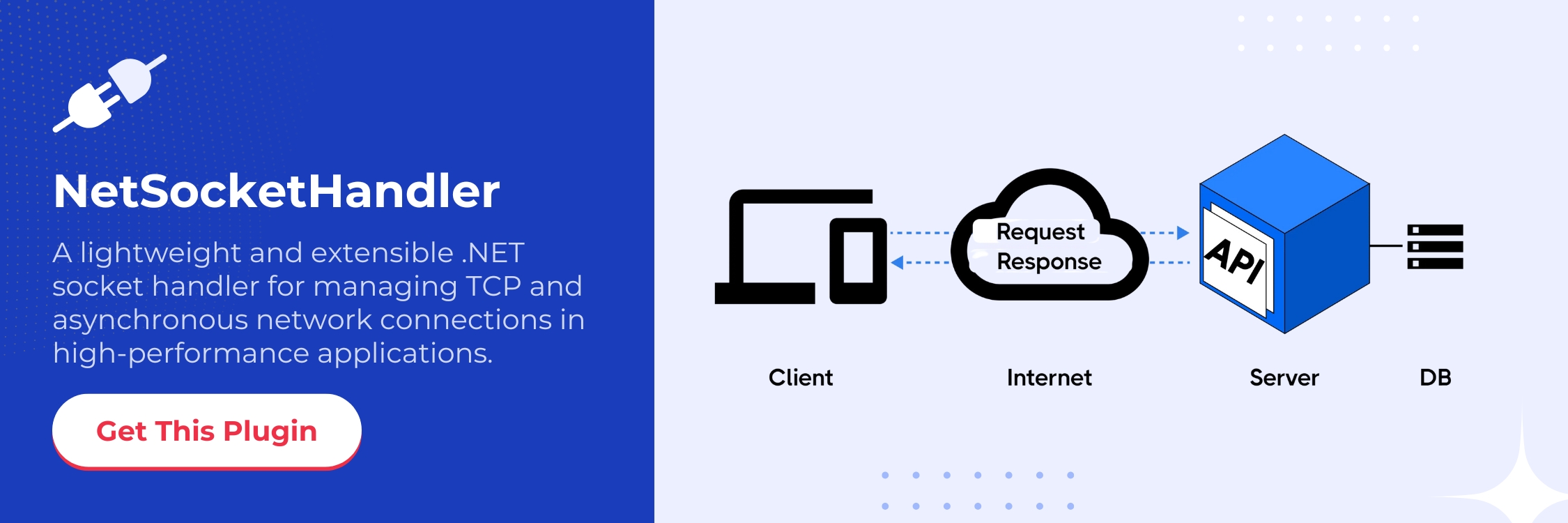
A powerful, flexible .NET WebSocket manager for seamless connection handling, intelligent routing, and real-time broadcasting
📦 Quick Installation
NuGet CLI:
dotnet add package NetSocketHandler
Package Manager Console:
Install-Package NetSocketHandler
✨ Key Features
🔗 Smart Connection Management - Effortlessly add, remove, and organize WebSocket connections with unique identifiers
🎯 Precision Messaging - Send targeted messages to specific clients or broadcast to all active connections
🏷️ Flexible Identification - Assign custom identifiers for organized, scalable client communication
⚡ High Performance - Optimized for real-time applications with minimal overhead
🧪 Testable Architecture - Built with dependency injection support for clean, maintainable code
🛠️ Usage Examples
1. Connection Management Made Simple
The ConnectionManager<TData> provides intuitive WebSocket connection management:
using NetSocketHandler.Interface;
using NetSocketHandler.Implementation;
using System.Net.WebSockets;

// Initialize the connection manager
var connectionManager = new ConnectionManager<string>();

// Add a new WebSocket connection
connectionManager.AddConnection("user_123", webSocket, "john_doe");

// Send targeted message to specific user
await connectionManager.SendDataToIdentifier("john_doe", "Welcome back, John!");

// Broadcast announcement to all connected clients
await connectionManager.SendDataAsync("🎉 New feature released!");
2. Streamlined Connection Handling
Use ConnectionHandler<TData> for seamless WebSocket connection processing:
using NetSocketHandler;

// Create connection handler
var connectionHandler = new ConnectionHandler<string>();

// Handle incoming WebSocket connection
await connectionHandler.HandleConnectionAsync(webSocket, "session_456");
3. Dependency Injection Ready
Built for modern .NET applications with clean architecture:
public class ChatService
{
    private readonly IConnectionManager<string> _connectionManager;

    public ChatService(IConnectionManager<string> connectionManager)
    {
        _connectionManager = connectionManager;
    }

    public async Task SendChatMessage(string message, string roomId)
    {
        // Send to specific room
        await _connectionManager.SendDataToIdentifier(roomId, message);
    }

    public async Task BroadcastSystemMessage(string message)
    {
        // Notify all connected users
        await _connectionManager.SendDataAsync($"📢 System: {message}");
    }
}
🏗️ Architecture Overview
Core Interfaces:
🔧 IConnectionManager<TData> - Contract for connection management operations
⚡ Support for generic data types for flexible message handling
🛡️ Thread-safe operations for concurrent WebSocket connections
Key Operations:
➕ Add/Remove connections dynamically
🔍 Retrieve connections by ID or custom identifier
📤 Send messages to individual or multiple connections
📡 Broadcast capabilities for real-time updates
🎯 Perfect For
💬 Real-time Chat Applications
🔔 Live Notifications Systems
🤝 Collaborative Tools
🎮 Gaming Servers
🏠 IoT Device Communication
📈 Trading Platforms
Code Contributors

⭐ Star this repository if NetSocketHandler helped your project!
| Product | Versions Compatible and additional computed target framework versions. |
|---|---|
| .NET | net8.0 is compatible. net8.0-android was computed. net8.0-browser was computed. net8.0-ios was computed. net8.0-maccatalyst was computed. net8.0-macos was computed. net8.0-tvos was computed. net8.0-windows was computed. net9.0 was computed. net9.0-android was computed. net9.0-browser was computed. net9.0-ios was computed. net9.0-maccatalyst was computed. net9.0-macos was computed. net9.0-tvos was computed. net9.0-windows was computed. net10.0 was computed. net10.0-android was computed. net10.0-browser was computed. net10.0-ios was computed. net10.0-maccatalyst was computed. net10.0-macos was computed. net10.0-tvos was computed. net10.0-windows was computed. |
-
net8.0
- No dependencies.
NuGet packages
This package is not used by any NuGet packages.
GitHub repositories
This package is not used by any popular GitHub repositories.
| Version | Downloads | Last Updated |
|---|---|---|
| 1.0.0 | 287 | 6/9/2025 |